




Industry news


View: 414

Release time:2026-06-16
An LED wall should deliver stable, uninterrupted visuals. However, many users eventually encounter an annoying issue: the screen suddenly goes black for a few seconds and then comes back online without warning.
This intermittent blackout often creates panic because it looks like a hardware failure. In reality, the root cause frequently lies elsewhere. Most cases involve unstable signal transmission, controller settings, or power-related issues rather than defective LED modules.
If your LED display experiences occasional blackouts, understanding the possible causes will help you solve the problem much faster.
Loose Ethernet cables, damaged fiber links, or unstable HDMI and DisplayPort connections can interrupt communication between the video source and the LED controller.
Even a brief signal drop may cause the entire screen or part of the display to turn black before reconnecting automatically. Therefore, inspect every cable and connector in the signal chain before replacing expensive components.
LED control systems depend on precise configuration files and synchronization settings.
If the sending card, receiving cards, or processor use incorrect parameters, the display may lose synchronization during operation. In some cases, updating or reloading the correct configuration immediately resolves intermittent blackouts.
Voltage fluctuations or inadequate power distribution can interrupt normal operation.
For large installations, separate circuits, reliable grounding, and quality power management equipment improve system stability. In mission-critical environments, many operators also protect processors and media servers with UPS systems to minimize disruptions.
A malfunctioning receiving card may temporarily interrupt data flow to one cabinet or an entire signal chain.
Because receiving cards pass data downstream, one faulty unit can affect multiple cabinets connected in sequence. Swapping cards or checking communication status often helps isolate the problem quickly.
Not every media server outputs a signal that every LED processor handles equally well.
Frame rate mismatches, unsupported resolutions, or inconsistent timing can trigger flickering or temporary blackouts. Matching the output format to the controller's recommended specifications significantly improves reliability.
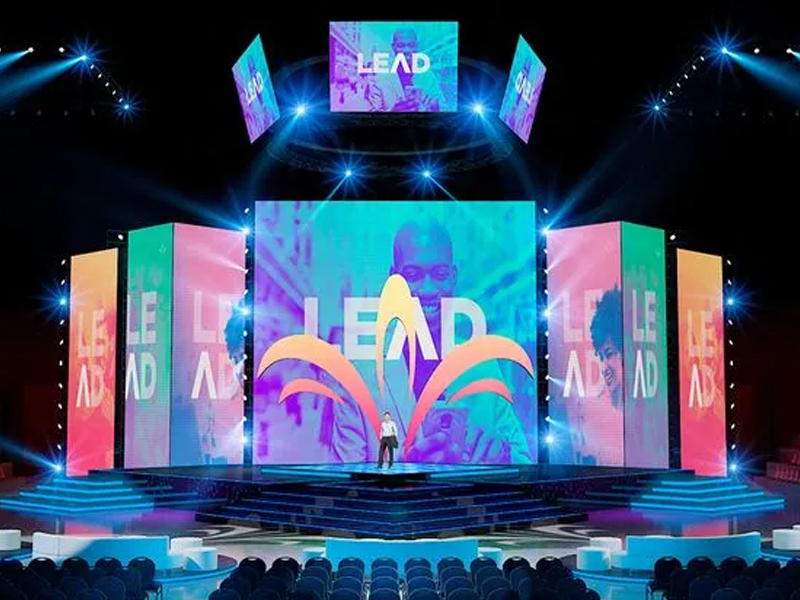
Instead of guessing, follow a structured diagnostic process:
Verify that the media server or playback computer outputs a stable video signal.
Check HDMI, SDI, DisplayPort, Ethernet, and fiber connections for damage or looseness.
Restart the video processor and LED controller.
Confirm that the sending card and receiving cards use the correct configuration files.
Test power supplies and measure voltage stability.
Replace suspect cables before replacing expensive hardware.
Monitor system logs to identify patterns related to timing or environmental conditions.
Working through these steps methodically often reveals the root cause without unnecessary downtime.
Routine maintenance plays a major role in display reliability.
Inspect connectors regularly, clean dust from equipment, secure all network cables, update firmware when appropriate, and verify controller settings after system changes. In addition, maintain proper ventilation to prevent overheating of processors and power supplies.
Many operators also schedule periodic full-system tests before important events to identify hidden issues before they become visible to audiences.
An occasional LED wall blackout does not automatically indicate a failed display. More often, the issue originates from the signal path, controller configuration, communication hardware, or power infrastructure.
By following a logical troubleshooting process and maintaining the entire display ecosystem—not just the LED panels—you can minimize unexpected interruptions and keep your LED wall running smoothly during live events, advertising campaigns, retail installations, and fixed commercial applications.
 +86 18688923792
  andy@tosled.com