
Industry news


View: 519

Release time:2026-04-03
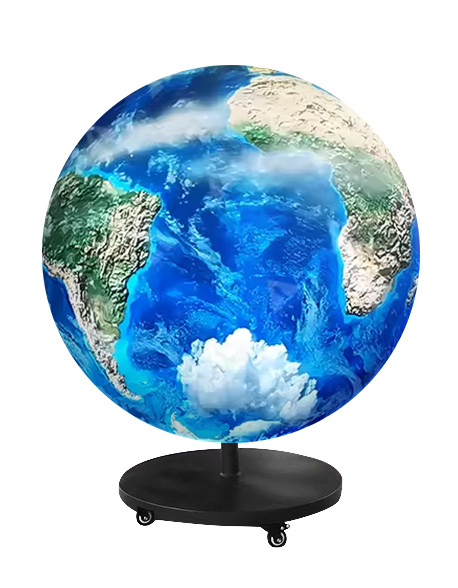
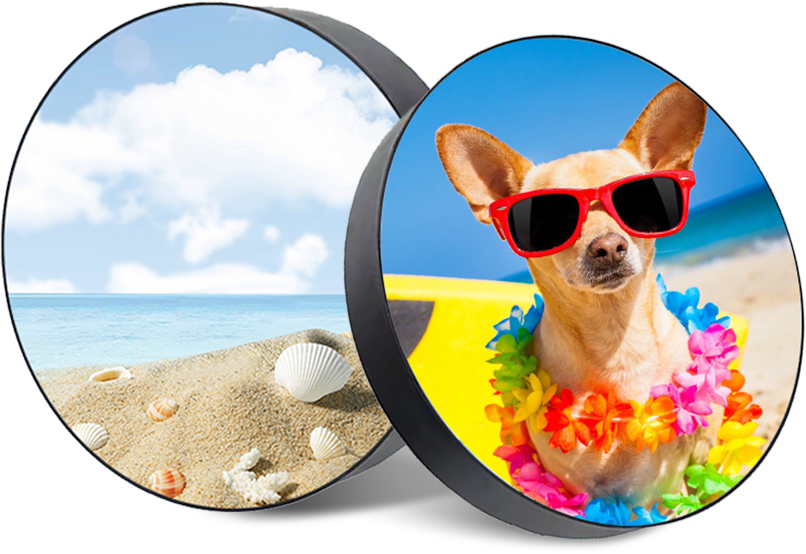
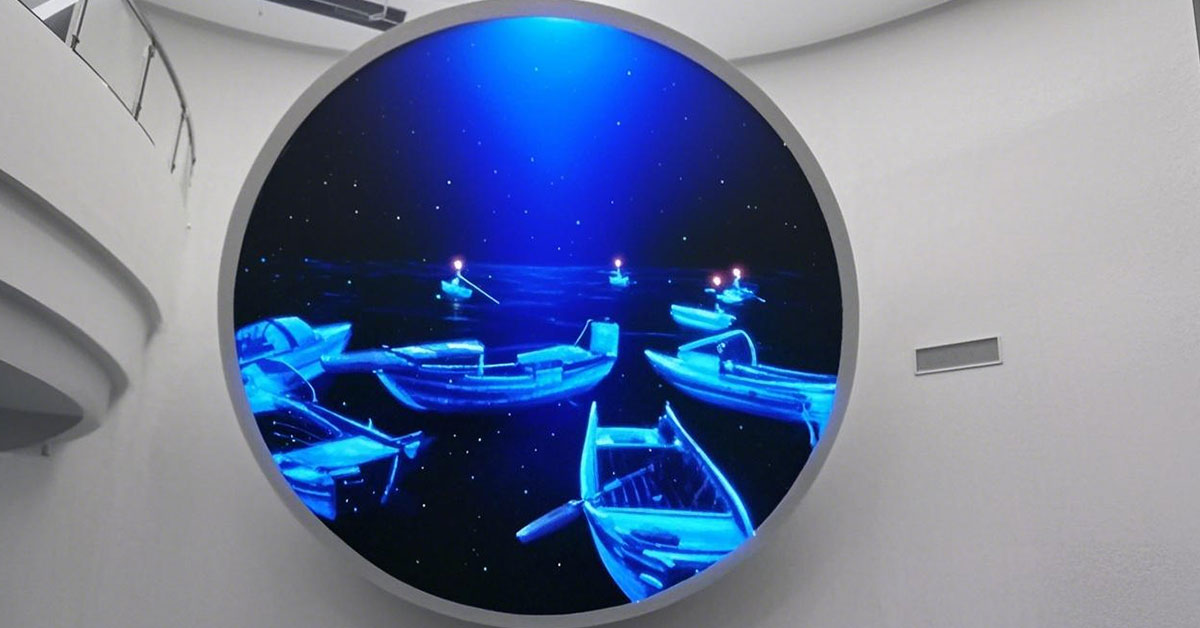
When designing a circular LED screen, selecting the right pixel pitch is critical for balancing visual clarity, viewing distance, and cost. Unlike large flat LED walls, circular screens are often smaller in diameter, so the distance between pixels (pixel pitch) has a major impact on perceived image quality, especially for indoor curved or creative displays.
Pixel pitch (P) refers to the distance between the centers of adjacent LEDs. Common indoor circular LED displays use:
P1.5 – 1.5 mm between pixels
P2 – 2.0 mm
P2.5 – 2.5 mm
P3 – 3.0 mm
Smaller pixel pitch → higher resolution → sharper images at closer distances
Larger pixel pitch → lower resolution → suitable only for further viewing or larger screens
Pixel Pitch | Min. Viewing Distance | Max. Viewing Distance |
P1.5 | 2.3 – 3 m | 5 m |
P2 | 3 – 4 m | 6 m |
P2.5 | 3.8 – 5 m | 7 m |
P3 | 4.5 – 6 m | 8 m |
Tip: For circular screens installed in lobbies, retail stores, or exhibition booths, viewers are usually within 2–5 meters, making P1.5–P2.5 the ideal range.
Smaller pixel pitches provide better detail but increase:
Module cost
LED count and processing requirements
Power consumption
Larger pixel pitches reduce cost and complexity but can result in:
Blurry or pixelated visuals at close range
Poor text readability
Practical Guidance for Circular LED Displays:
Diameter < 1.5 m: P1.5 – P2 recommended
Diameter 1.5–2.5 m: P2 – P2.5 optimal
Diameter > 2.5 m: P2.5 – P3 acceptable for general indoor use
This ensures text, logos, and graphics remain sharp without overspending on ultra-high resolution modules.
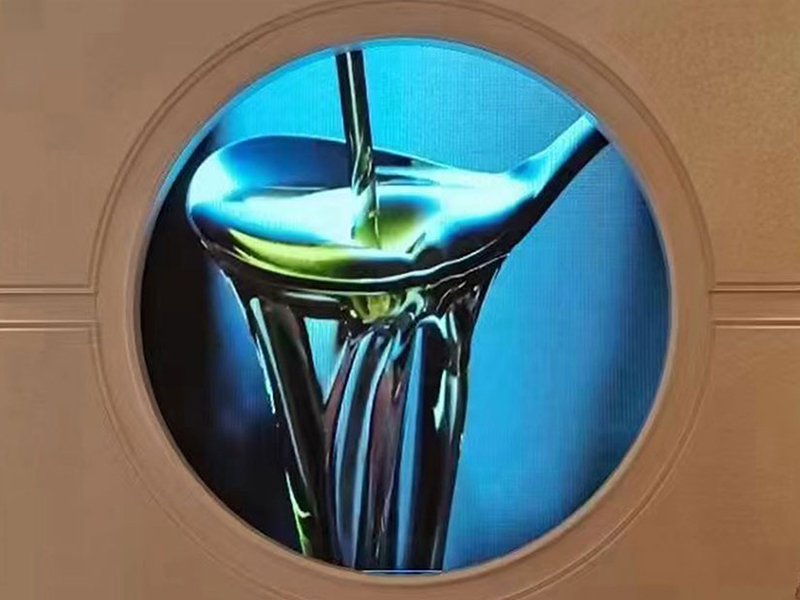
Circular screens often display rotational animations, product highlights, or logos, so avoid pixel pitches that make curves appear jagged
If viewers can approach within 1–2 meters, smaller pixel pitch is essential
For suspended circular screens, consider viewing angles from multiple sides, not just front-on
Choosing the optimal pixel pitch for your circular LED display is about finding the balance between clarity, viewing distance, and budget.
P1.5–P2: Best for close-up indoor use and high-detail content
P2.5–P3: Suitable for slightly larger screens or moderate viewing distance
Always consider indoor environment, audience proximity, and content type when finalizing specifications.
By carefully selecting circular screen pixel pitch, you can ensure crisp visuals, readable text, and an immersive experience for viewers, while avoiding unnecessary cost.
 +86 18688923792
  andy@tosled.com