




Company news


View: 12

Release time:2026-11-25
When ordering a large COB LED display, buyers may receive cabinets or panels produced in different manufacturing batches. This can happen when a project is delivered in stages, additional cabinets are ordered later, or replacement panels are needed after the first production run.
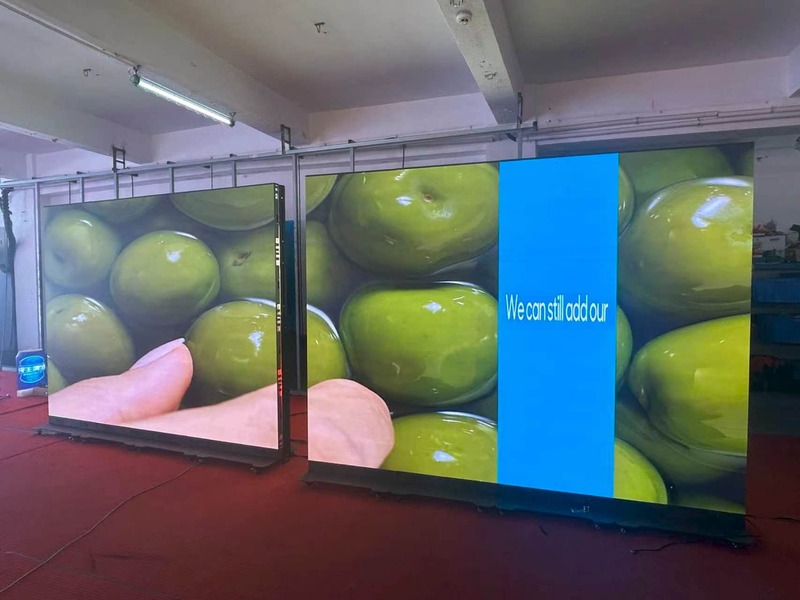
Although the cabinets may have the same model number and pixel pitch, this does not always mean they can be installed together without additional checks.
Small differences in cabinet dimensions, connection positions, receiving cards, firmware, or display calibration can affect the final installation. If these differences are discovered after the screen has been mounted, correcting them can take extra time and increase project costs.
So, how can installers check COB LED display cabinet compatibility before combining panels from different production batches?
A COB LED video wall is made up of multiple cabinets connected to form one large display surface. Each cabinet must match the surrounding panels in both mechanical structure and electrical configuration.
When different batches are mixed without inspection, several problems may appear:
Visible gaps between adjacent cabinets.
Uneven cabinet surfaces or alignment differences.
Inconsistent brightness and color.
Signal interruptions or incompatible connections.
Different maintenance requirements.
These problems are particularly noticeable on fine-pitch COB LED displays installed in meeting rooms, control centers, and exhibition halls, where viewers may stand close to the screen.
Even a small difference between two cabinets can become visible across a large display wall.
There are several reasons why COB LED panels from different batches may not perform identically.
Cabinet dimensions and structure
Different production runs may involve changes to cabinet frames, positioning pins, locking systems, or manufacturing tolerances. Even when the external dimensions look similar, the connection points may not be exactly the same.
PCB and component revisions
Manufacturers may update PCB layouts, driver ICs, receiving cards, power supplies, or internal connectors. A newer version may look almost identical to an older one but require a different configuration.
LED module consistency
COB modules from different production batches may show small differences in brightness, color temperature, grayscale performance, or surface appearance.
Control system settings
Different receiving card versions, firmware, and calibration files can also affect how individual cabinets display the same video signal.
Therefore, checking only the product name or pixel pitch is not enough.
Before installation, buyers and technicians should compare several important specifications.
First, check the cabinet model and dimensions.
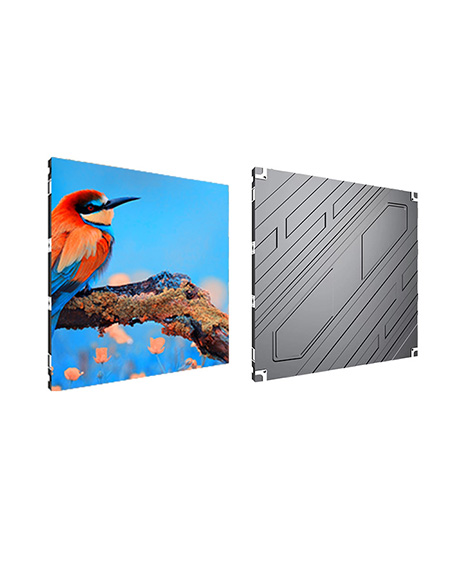
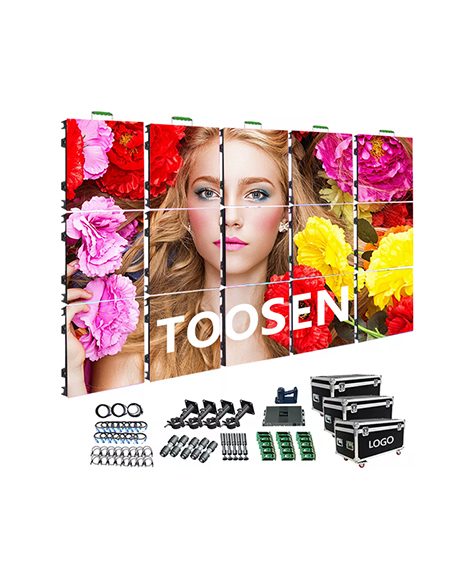
Confirm the cabinet width, height, depth, weight, and mounting positions. For example, TOOSEN COB LED display solutions include different cabinet formats, such as 640 × 480 mm and 600 × 337.5 mm. Cabinets should not be considered interchangeable simply because they belong to the same product category.
Second, check the pixel pitch and module specifications.
Make sure the panels have the same pixel pitch, LED configuration, module dimensions, and scanning or driving configuration. A P1.25 panel and a P1.5 panel cannot be directly combined into one uniform display surface.
Third, compare electrical connections.
Check power input positions, voltage requirements, signal interfaces, cable types, and connector arrangements. Pay special attention to receiving cards and HUB boards because different hardware revisions may require different connections.
Fourth, verify software and firmware compatibility.
Confirm that the receiving cards can work with the same control system and configuration files. If different firmware versions are used, technicians should check compatibility before connecting the entire screen.
Finally, review production records.
Ask the supplier to provide cabinet model numbers, production dates, batch information, component revisions, and calibration records. These details make it easier to identify differences before installation.
Checking specifications is important, but a physical compatibility test is also necessary.
A practical inspection process includes the following steps:
Dry assembly: Place several cabinets from different batches together without completing the full installation. Check their alignment, edges, locking systems, and surface flatness.
Connection test: Connect the cabinets using their original power and signal cables. Check whether the interfaces fit properly and whether the control system recognizes every panel.
Brightness and color test: Display white, red, green, blue, and grayscale images. Compare adjacent cabinets under the same brightness settings.
Low-gray test: Use dark gray and low-brightness content to identify subtle differences that may not be visible on bright images.
Long-term operation test: Run the combined screen continuously for several hours. Monitor temperature, signal stability, unexpected flickering, and abnormal display behavior.
If any cabinet shows a different color, brightness, or physical position, technicians should identify the cause before proceeding with installation.
Cabinet compatibility involves more than the LED module itself. Several supporting components must also match.
These include:
Cabinet frames and positioning systems.
COB LED modules and HUB boards.
Receiving cards and driver ICs.
Power supplies and power cables.
Signal cables and connection accessories.
Front-maintenance components.
For projects using front-maintenance COB LED displays, technicians should also verify that modules and internal components can be removed and replaced using the same maintenance method.
TOOSEN offers COB LED display solutions with modular cabinet designs, front-maintenance options, and fine-pitch configurations. Buyers can review the COB LED display product range and confirm the appropriate configuration before ordering.
Consider a company installing a fine-pitch COB LED video wall in a conference room.
The original screen is ordered first. Several months later, the customer decides to expand the display by adding more cabinets.
Although the additional cabinets have the same pixel pitch, they come from a later production batch.
Before installation, the technical team compares the cabinet dimensions, module specifications, receiving cards, and power connections. They then assemble several old and new cabinets together for a physical test.
During the display test, a slight brightness difference is found between some panels. The supplier checks the calibration data and adjusts the display settings before the complete screen is assembled.
This process helps avoid visible differences after installation and reduces the need to remove cabinets later.
The key lesson is simple: test mixed production batches together before installing the complete COB LED video wall.
Buyers can prevent many problems by planning production and spare parts in advance.
Before placing an order, confirm the cabinet model, pixel pitch, module configuration, control system, and main component specifications.
For large projects, it is also useful to request that the supplier record production batch numbers and keep several compatible spare modules.
If additional panels may be required in the future, ask the manufacturer whether the original hardware and software configuration can be maintained for later orders.
Keeping these records makes future expansion and maintenance easier.
Q1: Can COB LED cabinets from different production batches be used together?
Yes, provided that their mechanical dimensions, electrical interfaces, hardware revisions, and display configurations are compatible. A physical test is recommended before installation.
Q2: Can cabinets with the same pixel pitch be mixed directly?
Not necessarily. The same pixel pitch does not guarantee identical cabinet structures, receiving cards, connectors, or calibration settings.
Q3: How can I identify different COB LED production batches?
Check the product labels, serial numbers, production dates, model numbers, and manufacturing records. Ask the supplier to confirm whether the hardware revisions are compatible.
Q4: Can brightness and color differences be corrected through calibration?
Many brightness and color differences can be reduced through calibration. However, physical flatness problems, incompatible hardware, and different LED module specifications require separate solutions.
Q5: Should compatibility testing be completed before shipment?
Yes. Testing mixed-batch cabinets before shipment can help identify mechanical, electrical, and display problems before the products reach the installation site.
Cabinet compatibility should be considered during product selection, production, and installation planning. A reliable manufacturer should be able to provide clear product specifications, component information, production records, and technical support.
TOOSEN specializes in LED display manufacturing, including COB LED displays for meeting rooms, control centers, shopping malls, and exhibition spaces. The company supports customized cabinet configurations, OEM and ODM projects, and technical assistance throughout the project process.
Before ordering additional COB LED cabinets, customers should confirm whether the new panels match their existing display system.
A careful compatibility check before installation can reduce assembly problems, avoid unnecessary replacement costs, and help maintain a consistent COB LED video wall over the long term.
For more information about COB LED display solutions, visit TOOSEN Official Website.
 +86 18688923792
 andy@tosled.com