



新闻中心
最真实的客户反馈,高高度信息丰富的技术支持视频和我们的最新更新!
最真实的客户反馈,高高度信息丰富的技术支持视频和我们的最新更新!

Anzeigen: 18

Veröffentlichungszeit:2026-09-27
A COB LED display may look thin and lightweight after installation, but the supporting wall or steel structure carries much more than the visible screen surface.
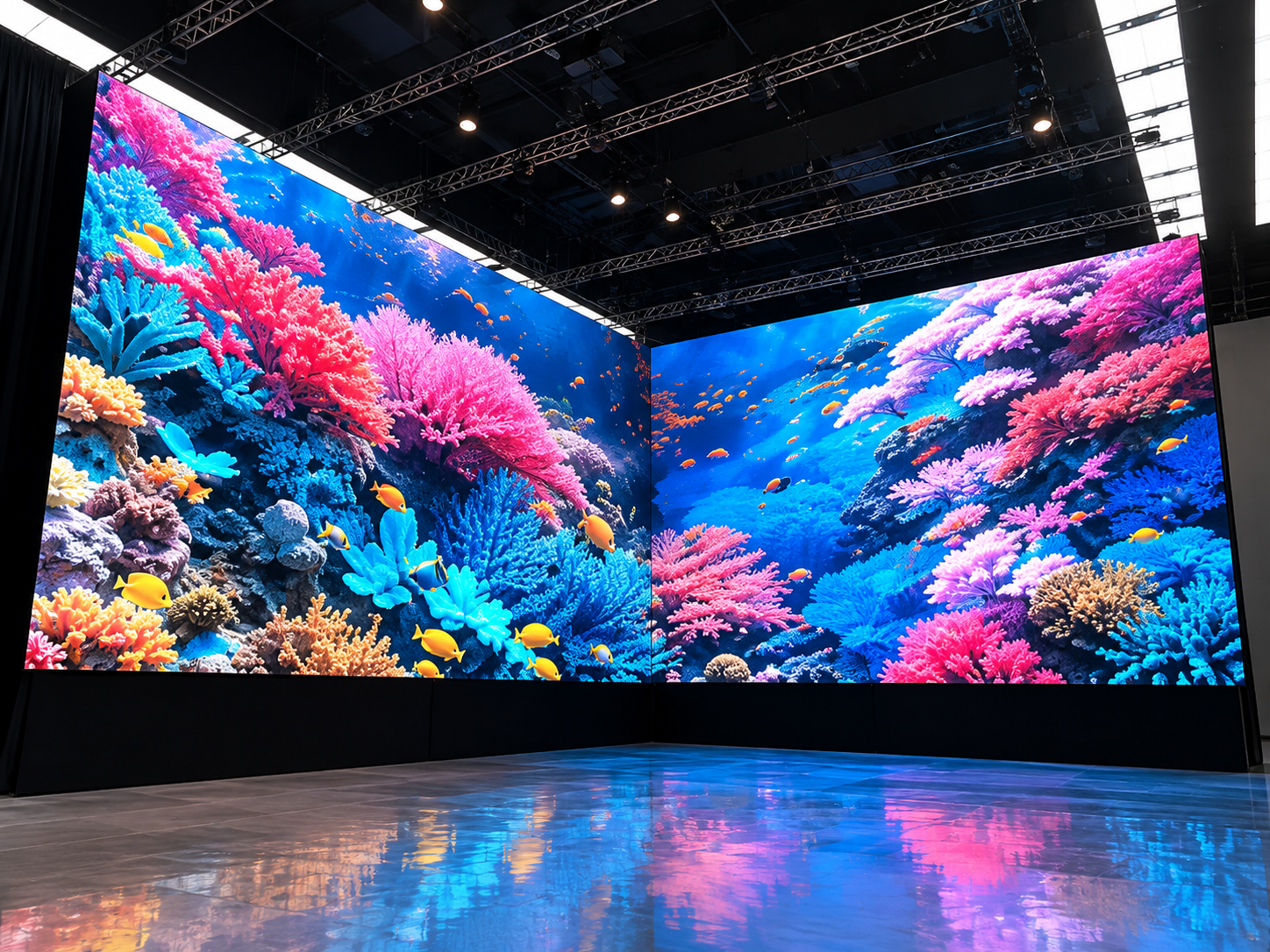
For a large indoor COB LED video wall, the total load includes the LED cabinets, mounting frame, power equipment, cables, decorative trim, and sometimes maintenance structures.
If the structural load is calculated only from the cabinet weight, the mounting system may be underestimated.
Before installing a large COB LED display, it is therefore important to calculate the complete load path from the LED screen to the building structure.
COB LED screens are commonly installed in conference rooms, command centers, control rooms, studios, exhibition halls, and corporate spaces.
Many of these installations use large wall-mounted video walls.
Unlike temporary rental screens, they may remain in the same position for many years.
An incorrect structural design can cause several problems:
mounting frame deformation;
uneven cabinet alignment;
visible seams between cabinets;
excessive stress on anchor bolts;
wall cracking;
long-term screen movement.
For fine-pitch COB displays, even small frame deformation can affect screen flatness.
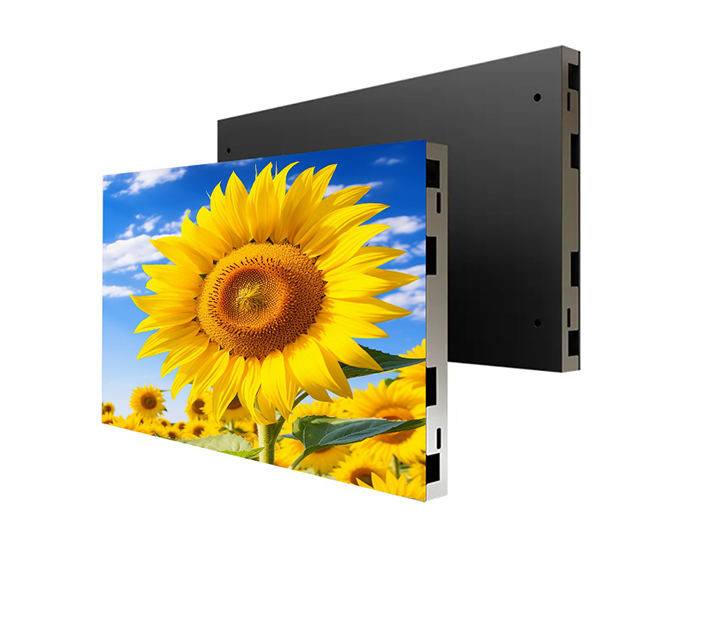
TOOSEN COB LED displays use fine-pitch cabinet systems designed for seamless indoor video walls, including front-service structures and precise cabinet alignment.
Start with the total display dimensions.
The basic formula is:
Screen Area = Width × Height
For example, consider a COB LED video wall measuring:
6 m × 3.375 m
The screen area is:
6 × 3.375 = 20.25 m²
This area will be used to estimate the total cabinet weight.
The most accurate method is to use the actual cabinet weight provided in the product specification.
If the manufacturer gives weight per square meter, use:
LED Screen Weight = Screen Area × Weight per m²
Assume the selected COB LED display weighs 28 kg/m².
Then:
20.25 × 28 = 567 kg
So the LED cabinets alone weigh approximately 567 kg.
However, this is not yet the structural load.
The complete installation contains additional components.
A proper COB LED screen load calculation should include everything supported by the wall or steel frame.
Typical components include:
LED cabinets;
aluminum or steel mounting frame;
power supplies;
receiving cards;
power and data cables;
mounting brackets;
connection plates;
decorative edge panels;
maintenance accessories.
Suppose the project contains:
| Component | Weight |
|---|---|
| COB LED cabinets | 567 kg |
| Mounting frame | 180 kg |
| Cables and accessories | 40 kg |
| Decorative trim | 35 kg |
| Total | 822 kg |
The real installed mass is therefore approximately:
822 kg
This is already about 45% higher than the cabinet weight alone.
That is why structural calculations should never use only the LED module or cabinet specification.
Structural engineering normally works with force rather than kilograms.
The basic conversion is:
Force = Mass × Gravity
Using approximately 9.81 m/s²:
822 × 9.81 = 8,064 N
or approximately:
8.06 kN
So the complete COB LED wall produces roughly 8.06 kN of vertical dead load before design factors are applied.
This value must be transferred safely through the frame, brackets, anchors, and finally into the building structure.
One common mistake is assuming that every anchor bolt carries exactly the same load.
For an early estimate, the total load can be divided by the number of support points.
For example, if the structure has eight main mounting points:
822 ÷ 8 = 102.75 kg per point
This gives a basic average.
However, real loads may not be equal.
The upper anchors, edge brackets, or mounting points close to the center of gravity can experience higher forces because of frame stiffness and installation geometry.
For this reason, dividing total weight by the number of anchors should only be used as an initial planning calculation.
The final structure should consider the actual load distribution.
A wall-mounted LED display does not normally sit directly against the structural wall.
There may be a gap of 100 mm, 200 mm, or more for ventilation, wiring, and front or rear maintenance.
This distance creates a bending moment.
A simplified calculation is:
Moment = Load × Distance from Wall
For example:
8.06 kN × 0.20 m = 1.61 kN·m
This bending moment acts on the mounting brackets and anchors.
Therefore, two COB LED screens with the same weight can require different support structures if one screen is installed farther away from the wall.
This is particularly important for installations with decorative frames or deep maintenance spaces.
The supporting surface matters as much as the LED screen weight.
A reinforced concrete wall, structural steel frame, brick wall, and lightweight partition have very different load capacities.
Large COB LED video walls should not rely directly on ordinary gypsum board.
The load should normally be transferred to structural concrete, steel members, or another verified load-bearing structure.
Anchor type must also match the base material.
Possible options include:
mechanical expansion anchors;
chemical anchors;
steel mounting plates;
embedded plates;
structural steel frames.
For large installations, anchor pull-out strength should be checked according to the actual substrate and local engineering requirements.
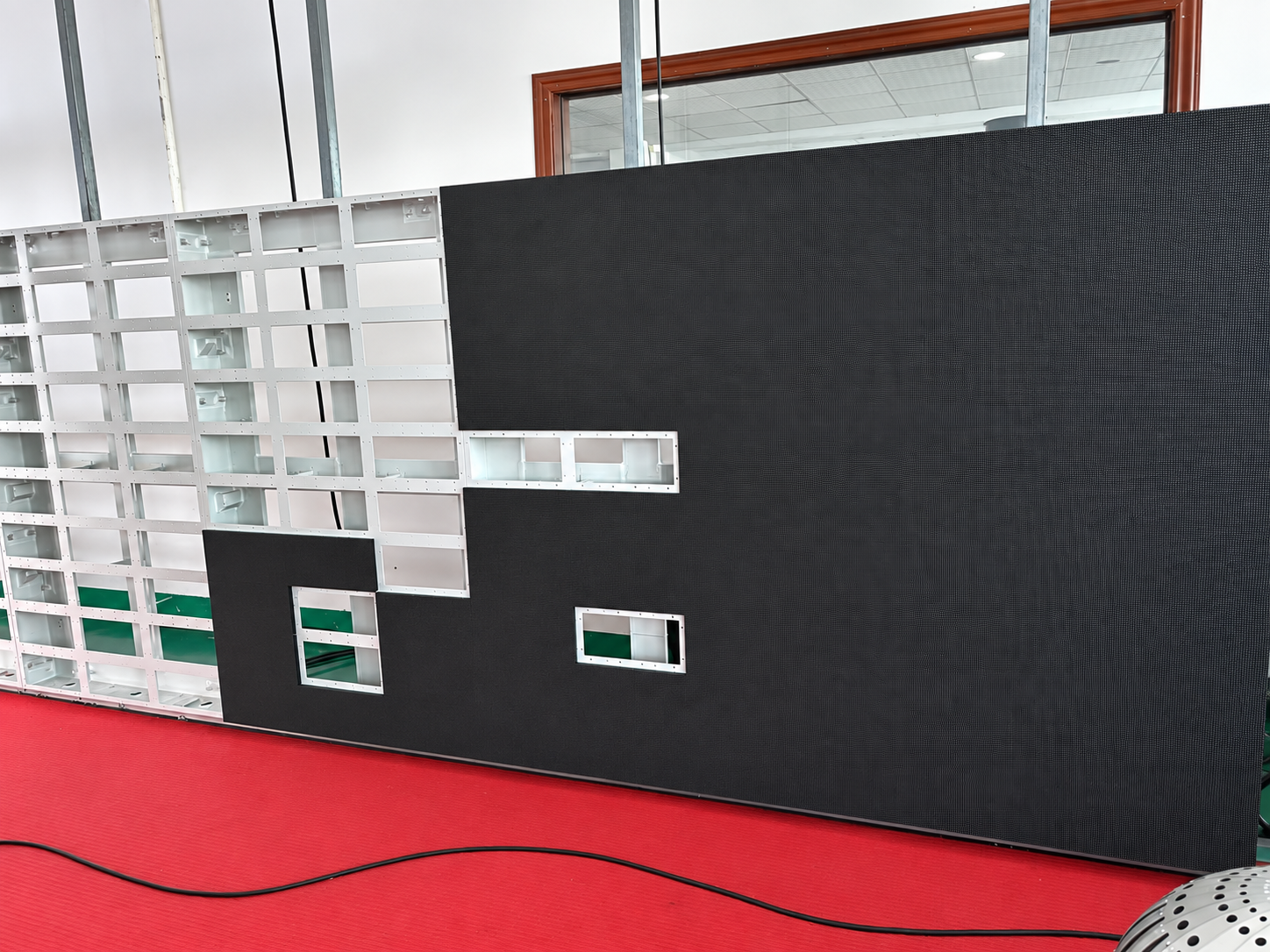
Before the COB LED display is fully installed, the structure should be checked in several stages.
First, confirm the actual cabinet quantity and weight.
Second, inspect the mounting frame dimensions and welding or bolted connections.
Third, verify the anchor positions.
Then measure the frame using a laser level.
Check:
horizontal level;
vertical alignment;
diagonal dimensions;
frame flatness;
bracket deformation.
After part of the screen is installed, repeat the flatness measurement.
If the frame starts to deform under load, the problem should be corrected before the remaining cabinets are installed.
This is especially important for fine-pitch COB screens because small mechanical errors can become visible across a large seamless video wall.
The cabinet design also influences structural planning.
A lightweight aluminum cabinet can reduce the total dead load and make wall installation easier.
Front-service COB systems can also reduce the required maintenance depth behind the screen.
TOOSEN provides COB LED display solutions using fine-pitch cabinet designs, including front maintenance and multiple pixel-pitch options for professional indoor installations.
The product itself, however, is only one part of the system.
The cabinet, frame, wall, anchors, and building structure must work together.
Consider the previous project:
Display size: 6 × 3.375 m
Area: 20.25 m²
COB cabinet weight: 28 kg/m²
Cabinet weight: 567 kg
Frame and accessories: 255 kg
Total installed mass:
822 kg
Approximate vertical load:
8.06 kN
If the mounting depth is 200 mm:
Approximate bending moment = 1.61 kN·m
These numbers give the installer a useful starting point for selecting the mounting structure and discussing anchor requirements with the structural engineer.
They should not replace the final structural calculation required by local building codes.
No. The mounting frame, brackets, cables, power equipment, decorative parts, and other supported components should also be included.
Not necessarily. Anchor quantity is only one factor. Anchor type, wall material, spacing, load direction, frame stiffness, and installation depth also affect the design.
Large LED video walls should generally transfer their load to a structural wall or steel support rather than relying only on ordinary drywall.
The mounting frame can deform slightly after cabinets are installed. Fine-pitch COB LED displays are sensitive to these errors because deformation may create visible cabinet seams or alignment problems.
TOOSEN provides COB LED display solutions for conference rooms, command centers, studios, control rooms, exhibition halls, and other high-resolution indoor applications.
Our COB LED screen solutions support fine pixel pitches, seamless cabinet splicing, front maintenance, and customized display sizes.
For project planning, customers can provide the required screen dimensions, installation method, wall condition, maintenance space, and project location.
Based on these details, the LED display system, cabinet configuration, and structural installation requirements can be prepared before production.
For large wall-mounted projects, checking the COB LED display structural load before installation helps prevent frame deformation, mounting problems, and costly changes on site.
 +86 18688923792
  andy@tosled.com


