

Industry news


View: 18

Release time:2026-11-23
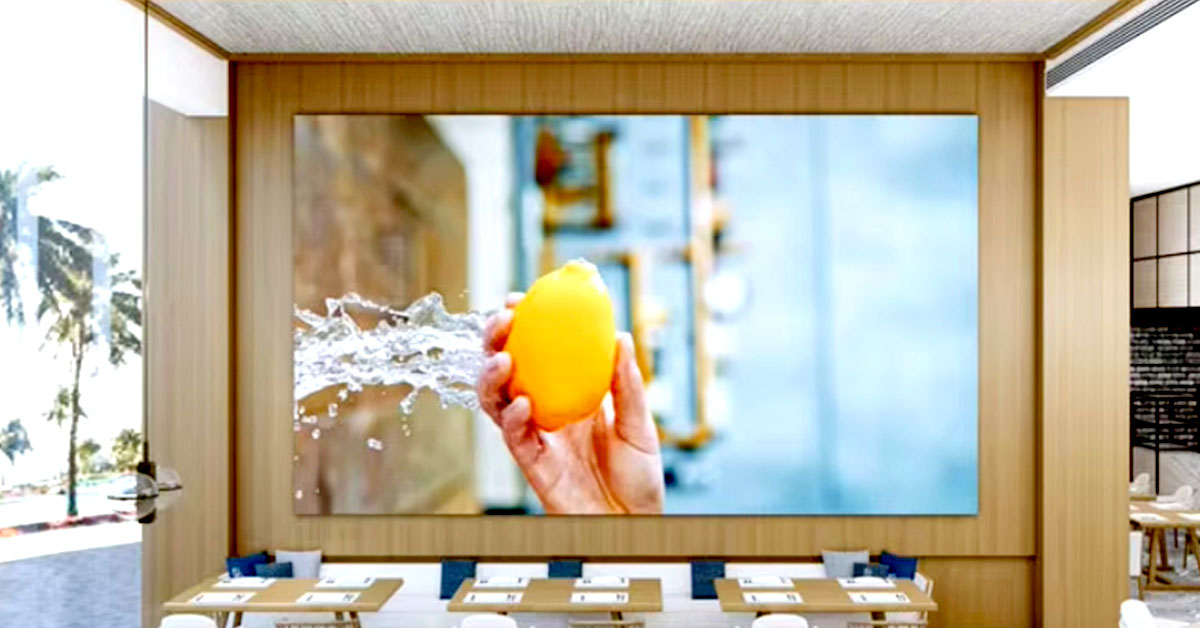
A COB LED display is often selected for meeting rooms, control centers, exhibition halls, and other indoor spaces where high image quality and close viewing are important. However, choosing the right screen is only one part of the project. Before the display arrives, the installation site must be ready.
Many installation problems do not come from the LED display itself. They happen because the wall is not strong enough, the power supply is not properly planned, the installation space is too small, or maintenance access has been overlooked.
Proper COB LED display installation planning helps avoid unnecessary adjustments, delivery delays, and additional labor costs. So, what should project managers and installers check before the screen is delivered?
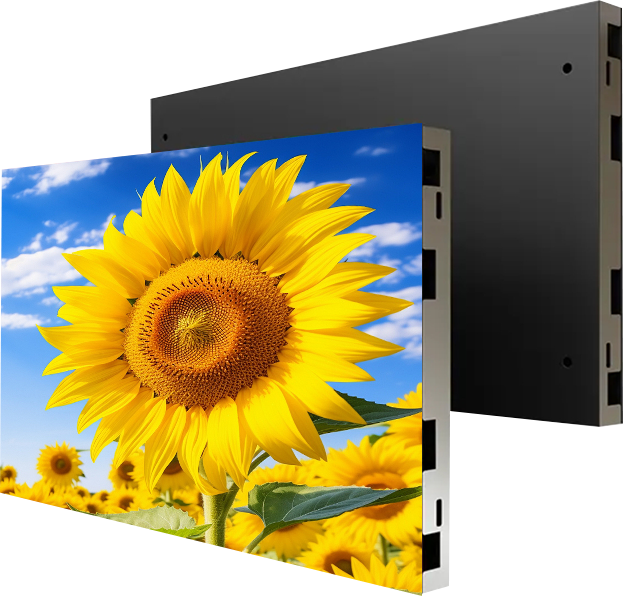
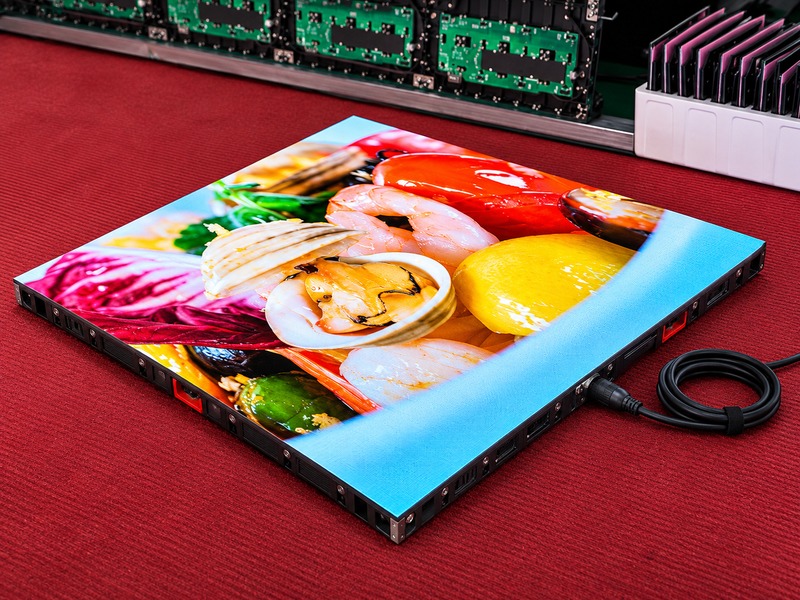
COB (Chip-on-Board) technology integrates LED chips directly onto a PCB, creating a smooth display surface with good protection against dust and physical contact.
Because COB LED displays are commonly used for fine-pitch applications, even small installation errors can affect the final viewing experience.
For example, an uneven mounting structure may cause visible gaps between cabinets. Poor cable planning can make maintenance difficult, while insufficient ventilation may increase operating temperatures.
These problems can lead to longer installation times, additional costs, and inconsistent display performance.
The first step is to confirm that the installation area matches the approved screen design.
Before delivery, installers should check:
Wall dimensions: Measure the available width and height, including any doors, columns, windows, or other obstacles.
Installation depth: Confirm that the wall or supporting structure provides enough space for cabinets, power connections, and signal cables.
Viewing distance: Check the distance between the audience and the screen to confirm that the selected pixel pitch is suitable.
Screen alignment: Mark the centerline and installation boundaries before the cabinets arrive.
For example, a P1.5 COB LED video wall in a conference room may require accurate alignment with the room's main viewing direction and architectural layout.
Do not rely only on architectural drawings. Actual measurements should be taken at the installation site.
A COB LED display needs a stable and properly aligned supporting structure.
Before installation, the engineering team should confirm whether the screen will be mounted on a concrete wall, steel frame, or customized support structure.
Important checks include:
Load-bearing capacity: Calculate the total weight of the display, mounting brackets, cables, and additional supporting components. Confirm that the structure can safely carry the expected load.
Flatness: Check whether the mounting surface is level. Uneven surfaces can affect cabinet alignment and create visible differences across the screen.
Fixing positions: Confirm that the bracket positions match the cabinet dimensions and mounting points.
Installation tolerance: Leave enough adjustment space for leveling and cabinet positioning.
For large COB LED video walls, it is better to complete structural inspections before delivery rather than modify the mounting frame after the equipment arrives.
Power and signal connections should be planned before the screen reaches the site.
First, confirm the required voltage, electrical capacity, and power distribution method according to the selected COB LED display model.
The electrical team should calculate the maximum power demand based on the manufacturer's specifications rather than using average consumption alone.
The following items should also be checked:
Power distribution cabinet location.
Cable length and connection positions.
Grounding and electrical protection.
Separate routing for power and signal cables where required.
Access to power switches and maintenance points.
Cable routes should be clearly marked on the installation drawings. Avoid placing cables where they may be squeezed behind cabinets or interfere with the supporting structure.
This preparation reduces wiring errors and makes future maintenance easier.
Although COB LED displays have a compact structure, heat management remains important, especially during long operating hours.
Before delivery, check whether the installation area has sufficient ventilation and whether the display's cooling requirements can be met.
For enclosed installations, confirm the available rear clearance, airflow direction, and surrounding temperature. Follow the manufacturer's installation recommendations.
Maintenance access is another detail that is easy to overlook.
Some COB LED displays support front maintenance, allowing technicians to remove modules and access internal components from the front. This is particularly useful when the screen is installed close to a wall.
However, the required maintenance clearance still depends on the cabinet design and service method.
Once the site inspection is complete, prepare the equipment and documents needed for installation.
A typical preparation checklist includes:
| Item | Purpose |
|---|---|
| Mounting brackets | Secure the display cabinets |
| Power cables | Provide stable electrical connections |
| Signal cables | Connect the control system |
| Distribution cabinet | Manage power distribution |
| Installation drawings | Guide cabinet positioning |
| Measuring tools | Check dimensions and alignment |
| Control system | Configure and operate the screen |
The installation team should also receive the cabinet layout, wiring diagram, technical specifications, and maintenance instructions before delivery.
This helps installers understand the complete system instead of making decisions during assembly.
Before shipping or arranging installation, the project team should complete a final site inspection.
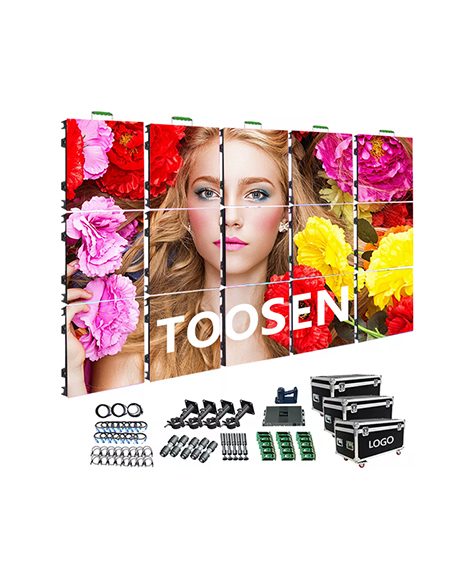
For example, when preparing a COB LED video wall for a commercial conference room, the team can first verify the wall dimensions, check the steel support frame, test the power connections, and confirm the cable routes.
After these checks, the installation drawings can be compared with the actual site conditions.
A simple pre-delivery inspection should cover:
Confirmed screen dimensions and pixel pitch.
Approved mounting structure and load capacity.
Available electrical connections.
Completed cable routing.
Suitable ventilation conditions.
Accessible maintenance areas.
Prepared installation tools and documents.
Taking photos of the completed site and sharing them with the supplier is also helpful. Engineers can review the conditions and identify possible problems before the equipment arrives.
At TOOSEN, we understand that a successful LED display project requires more than manufacturing high-quality screens.
Our COB LED display solutions are designed for indoor applications such as conference rooms, control centers, exhibition halls, and commercial spaces.
We provide different pixel pitch options, including P1.2, P1.5, P1.8, P1.9, and other configurations depending on project requirements.
Our team can assist customers with screen dimensions, cabinet selection, mounting structure planning, control system configuration, and technical installation guidance.
With OEM and ODM manufacturing experience, TOOSEN also supports customized display solutions for different project layouts.
From initial design discussions to production, delivery, and after-sales support, we aim to help customers reduce installation difficulties and achieve reliable display performance.
Learn more about our products and customized LED display solutions at https://www.toosen.com/.
Q1: What should be prepared before a COB LED display arrives?
The installation area, supporting structure, power supply, cable routes, ventilation, and maintenance access should all be checked in advance. Installation drawings and technical documents should also be ready.
Q2: Does a COB LED display require a special mounting structure?
Not necessarily. The mounting structure depends on the screen size, cabinet design, installation method, and site conditions. It must provide sufficient load-bearing capacity and accurate alignment.
Q3: Can a COB LED display be installed directly against a wall?
Some COB LED displays support front maintenance and can be installed close to a wall. However, the required clearance depends on the product design, ventilation conditions, and maintenance requirements.
Q4: How much power does a COB LED display need?
Power requirements depend on pixel pitch, screen dimensions, brightness, and operating conditions. Buyers should confirm both maximum and typical power consumption with the manufacturer before planning electrical distribution.
Q5: Can TOOSEN provide installation support for overseas projects?
Yes. TOOSEN provides technical guidance, installation planning assistance, product configuration, and after-sales support for international LED display projects. Customers can contact our team with project drawings and site requirements for further advice.
 +86 18688923792
 andy@tosled.com