News
Most genuine customer feedback, highly informative technical support videos, and our latest updates!
Most genuine customer feedback, highly informative technical support videos, and our latest updates!

View: 54

Release time:2026-09-17
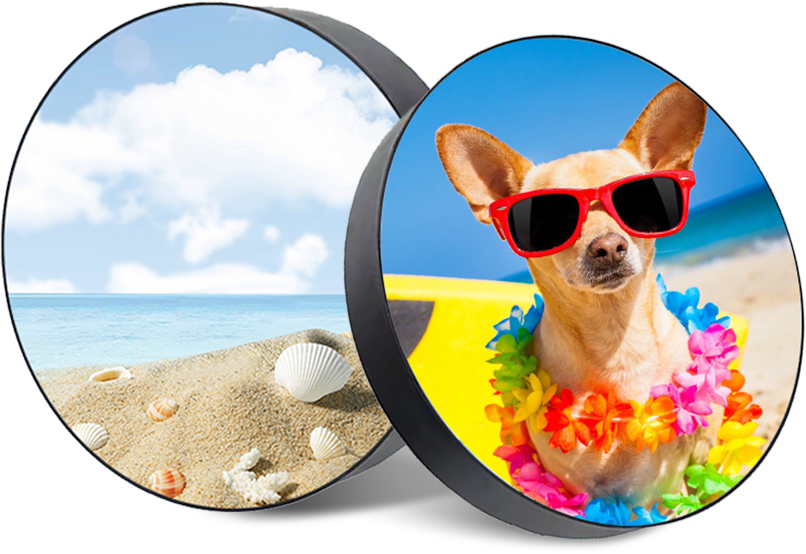
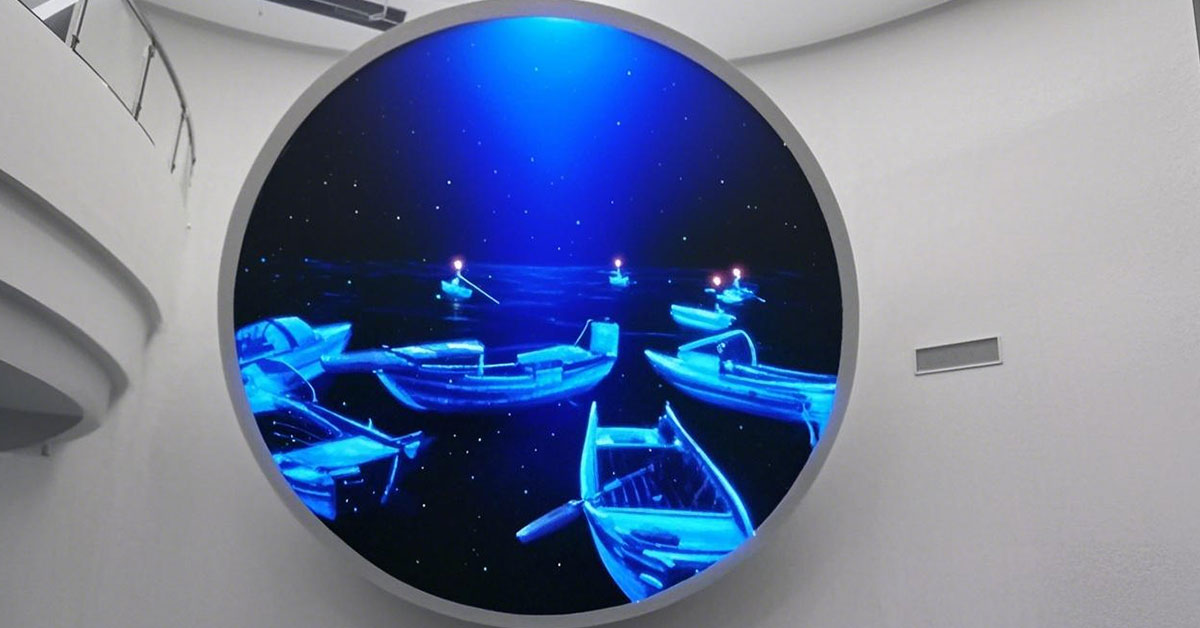
A circular LED display can attract attention quickly because its shape is very different from a normal rectangular screen. But the shape also creates a common content problem: logos, words, prices, QR codes, and other important graphics may be cut off near t he edge.
The screen may be working perfectly. The video file may also look correct on a computer. But once the content is shown inside a circular display, part of the design can disappear.
This usually happens because the content was created for a rectangular canvas instead of the actual visible shape of the LED screen.
To avoid this problem, the content layout, LED resolution, playback system, and physical screen structure should be checked together.
Most video and image files are rectangular. A circular LED display is not.
If a rectangular image is sent directly to a round screen, the pixels outside the circular viewing area cannot be displayed. This creates four high-risk areas around the corners of the original rectangular canvas.
For background images, this may not matter.
For logos and text, it can create an obvious visual problem.
For example, a company logo placed near the upper-right corner of a 1920 × 1080 video may look normal on a monitor. On a circular LED screen, part of that logo may fall outside the active LED area.
The same problem can happen with:
subtitles
product names
prices
QR codes
website addresses
event dates
sponsor logos
Important information should therefore never be placed directly against the outer edge of the circular display.
The easiest way to prevent cropping is to define a content safe zone.
A safe zone is an inner circular area where all important information should remain.
Background colors, patterns, animation, and decorative graphics can extend toward the outer edge. However, logos and text should stay further inside.
For many projects, keeping important content approximately 10–15% away from the outer visible edge is a useful starting point.
However, the final safe area should depend on:
screen diameter
pixel pitch
actual resolution
viewing distance
installation position
content type
A small round LED screen may require a larger visual margin because text becomes difficult to read if it is too close to the edge.
Large decorative screens may allow more freedom.
Another common mistake is creating content without checking the actual LED resolution.
A circular LED display may have a physical resolution such as:
800 × 800 pixels,
960 × 960 pixels,
or another custom resolution depending on its diameter and pixel pitch.
If the media server receives content at a very different resolution, the video processor may scale or stretch the image automatically.
This can move text closer to the outer edge than expected.
Before content production begins, the content team should confirm:
screen width in pixels × screen height in pixels.
The design canvas should ideally match this resolution or use the same aspect ratio.
For a circular screen, a square content canvas is normally much easier to manage than a widescreen 16:9 canvas.
Content designers should not rely only on the rectangular editing window.
Instead, create a circular mask that shows the real visible area of the display.
Programs such as After Effects, Premiere Pro, Photoshop, or other media software can use a simple circular guide layer.
The designer can then immediately see whether text or logos are entering the crop area.
A useful working file normally contains three zones:
the full square canvas,
the actual circular display boundary,
the inner safe zone for important information.
This simple template can prevent many problems before the content reaches the installation site.
Large logos seem suitable for a creative LED display, but they can become difficult to position on a circular canvas.
Wide horizontal logos are especially challenging.
A long company name may fit easily on a rectangular screen but leave very little space inside a circle.
Instead of making the logo touch both sides of the screen, leave enough space around it.
If necessary, the content designer can use:
a stacked logo version,
a symbol-only logo,
a smaller logo,
or a different animation layout.
The goal is not simply to make the logo as large as possible. The logo should remain complete and easy to recognize.
Text is more sensitive to cropping than background graphics.
Even when letters are technically inside the visible area, words placed close to the edge can look uncomfortable because the circular border creates visual pressure around the text.
Headlines should normally remain near the center area.
Long sentences should also be avoided.
For advertising content, short text such as:
NEW PRODUCT
OPEN TODAY
or
WELCOME
usually works better than long paragraphs.
Font size must also be checked according to viewing distance.
A layout that looks clean on a laptop may be too small when viewed from several meters away.
Not every cropping problem comes from content design.
Sometimes the problem is caused by incorrect LED control system mapping.
The sending card, receiving cards, or video processor may be configured with a rectangular loading area that does not perfectly match the physical circular LED display.
Wrong card coordinates or incorrect screen dimensions can shift the entire image.
For example, the content may appear slightly too far left even though the original video is perfectly centered.
Before blaming the media file, technicians should check:
loading width and height
receiving card coordinates
cabinet or module mapping
output resolution
processor scaling
image position
A small coordinate error can become very visible when a centered logo is shown on a symmetrical circular screen.
One of the best ways to verify a circular LED screen is to use a simple test image.
The test pattern can include:
a center cross
circular reference lines
horizontal and vertical lines
numbers near the safe-zone boundary
a square reference frame
This makes it much easier to identify whether the image is centered and whether the visible diameter matches the content template.
After the test pattern is correct, play the real advertising content.
Do not test only with colorful video. Bright moving content can hide small positioning problems.
Static logos and text are much better for checking alignment.
Imagine a circular LED display installed above the entrance of a retail store.
The customer provides a video with the brand logo near the top of the frame and promotional text near the bottom.
On a standard monitor, everything looks correct.
After loading the video onto the round LED screen, the upper part of the logo and part of the promotional sentence disappear.
Instead of changing the LED hardware, the content team creates a square project file matching the display resolution. A circular boundary and inner safe zone are added.
The logo is moved toward the center, while the promotional message is shortened.
After the new file is tested on the physical screen, all key information remains visible.
This type of adjustment is much faster when the LED supplier provides the exact screen resolution and content template before the display is installed.
Yes, but part of the original image may be cropped or scaled. Important information should be repositioned for the circular viewing area.
Whenever possible, yes. Matching the content resolution with the LED screen resolution helps reduce unexpected scaling and positioning problems.
There is no single number for every project, but starting with a 10–15% inner margin is often practical. The final margin should be tested on the real display.
The cause may be incorrect receiving-card coordinates, screen mapping, processor scaling, or output resolution.
For custom LED projects, the display resolution, screen structure, and control configuration can be confirmed before content production so the media team can prepare material for the correct visible area.
A circular LED display should not be treated like a rectangular screen with the corners removed.
Its shape changes how logos, text, and graphics should be positioned.
The safest workflow is to confirm the physical resolution first, create a circular content mask, define an inner safe zone, verify the control-system mapping, and finally test static reference graphics on the real screen.
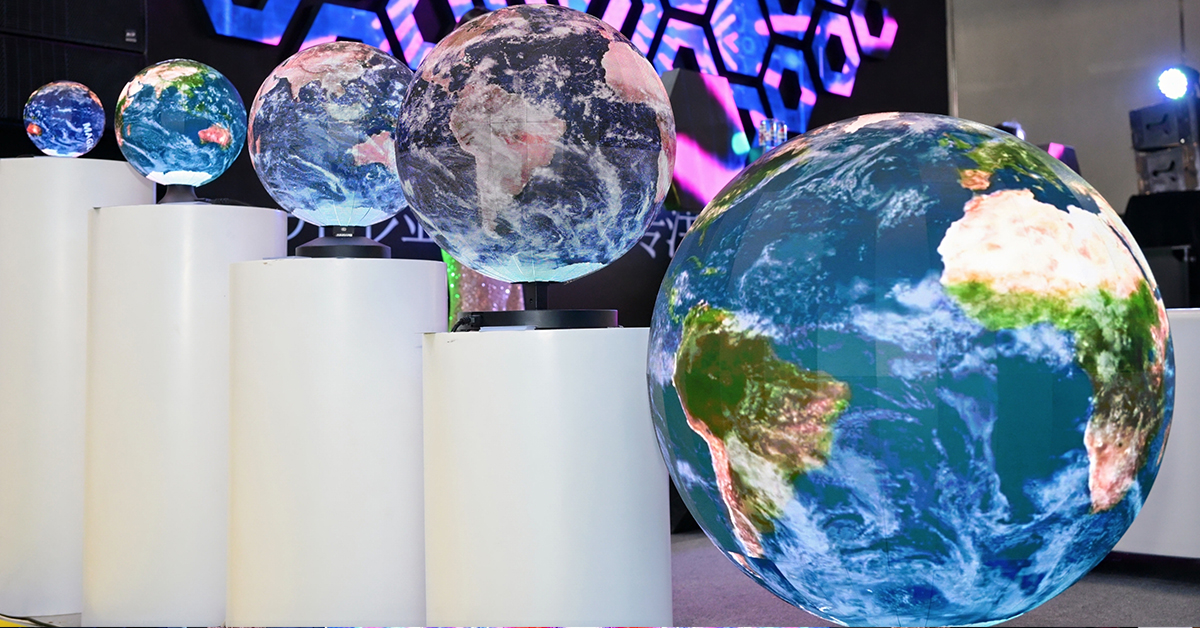
Shenzhen Toosen Optoelectronics Co., Ltd. provides custom LED display solutions including circular LED displays, spherical LED displays, flexible LED screens, and other creative LED structures.
For custom projects, screen diameter, pixel pitch, installation method, resolution, control system, and content requirements can be considered together before production.
Learn more about custom LED display solutions at Toosen: https://www.toosen.com/.
 +86 18688923792
  andy@tosled.com